Tools and the Catalog
Write custom code tools and assign them to agents, and apply occupations and skills from the Catalog.
The Work menu has two capability surfaces that are easy to confuse. Tools (/tools) is where you write custom code an agent can call during a run. The Catalog (/catalog) is where you apply pre-built occupations and skills to an agent. This article covers both: what each one is, how you create or apply from it, and what "granting" a capability to an agent actually means.
What you can do
- Write a custom tool in Python or Node.js and assign it to specific agents or your whole fleet.
- Approve tools that reach external hosts before they can run.
- Apply a pre-built occupation to shape what an agent does.
- Add modular skills that improve as an agent works.
Tools: custom code your agents can call
Tools (/tools) holds custom tools your agents invoke as they work. Each tool is a small function you author with an input schema; agents call it like any other capability during a run.
- Go to Work -> Tools (
/tools). The page lists your custom tools as cards and offers New tool to author one. - In the editor, give the tool a name and description, choose the language (Python or Node.js), write the code, and define the input schema the agent must supply.
- Assign the tool: to all agents or to specific ones. This assignment is what makes the tool available to an agent, so an unassigned tool exists but no agent can call it.
- If the tool reaches an external host, add the allowed hosts and any credentials it needs.
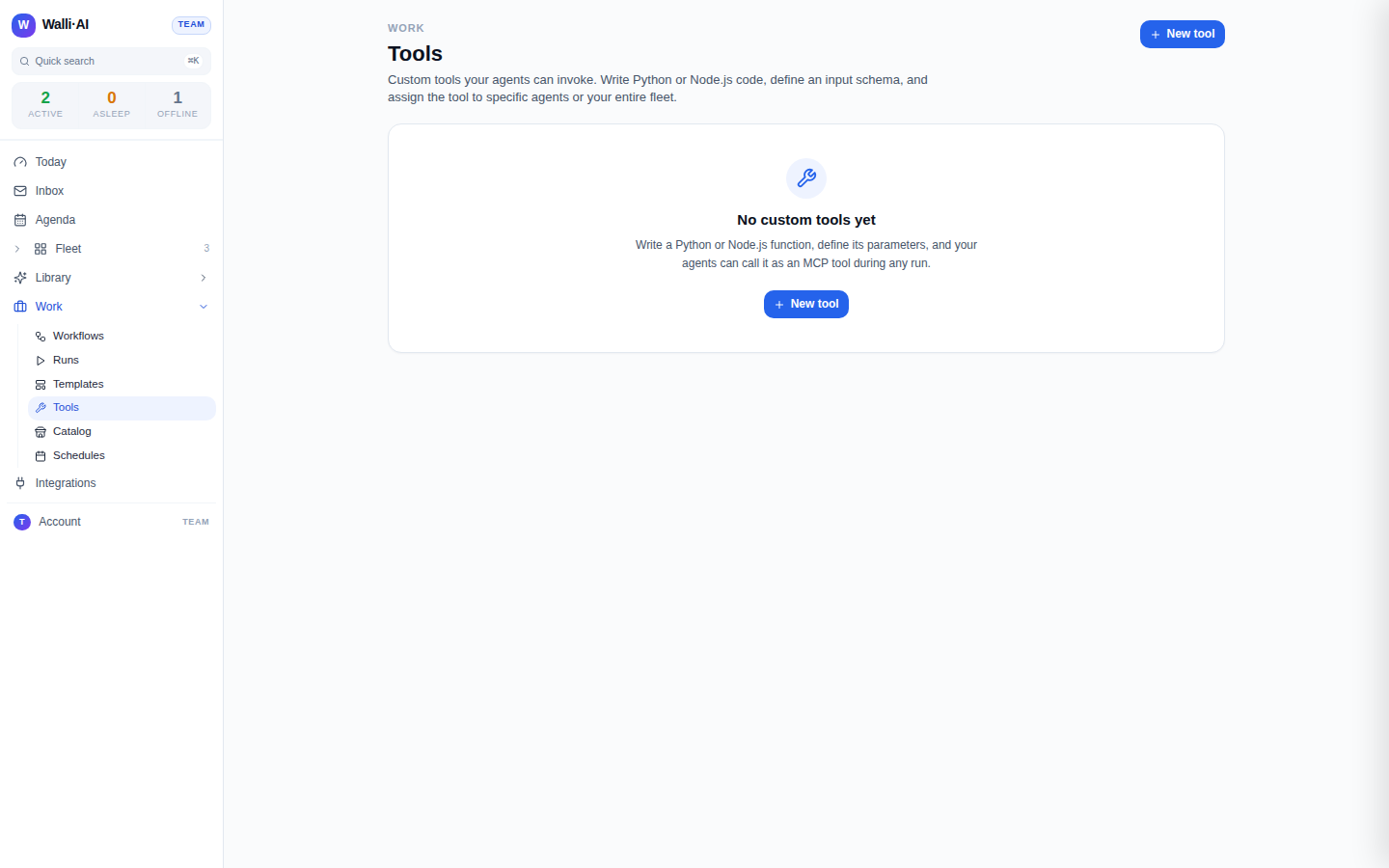
Each tool appears as a card, as in the screenshot above; a workspace that has not written one yet shows an empty state with a New tool button instead. Every card shows the tool's state (active or disabled), its language, and how many agents it is assigned to. Tools authored by an agent carry an AI badge, and tools that reach outside hosts show those hosts. Row actions let you Edit, Enable or Disable, Approve, and Delete a tool.
Deleting a tool is permanent and asks you to confirm. Disabling is the reversible option when you want to take a tool out of service without losing it.
What "granting" a tool means
There is no single "grant" button for tools. Giving an agent a tool is two things working together:
- Assignment decides which agents can call the tool (all agents, or a named set). An agent that is not assigned the tool simply does not see it.
- Approval is an extra gate for tools that reach external hosts. Such a tool starts in a draft state and cannot run until you Approve it, which is a deliberate checkpoint because outbound code touches systems beyond Walli-AI.
Together, assignment plus approval are how a custom tool becomes something an agent is allowed to run.
Catalog: occupations and skills
The Catalog (/catalog) is a library of pre-built agent capabilities, split into two tabs you switch with the Occupations / Skills toggle.
- Go to Work -> Catalog (
/catalog). - Occupations are whole job shapes (Sales, Support, Marketing, Operations, and more). Browse by category or search, then Apply to agent to give an agent that occupation, which sets what kind of work it does and can bundle a set of skills.
- Skills are modular capabilities that learn from an agent's conversations and improve over time. Filter by type, search, and Apply to agent to add one.
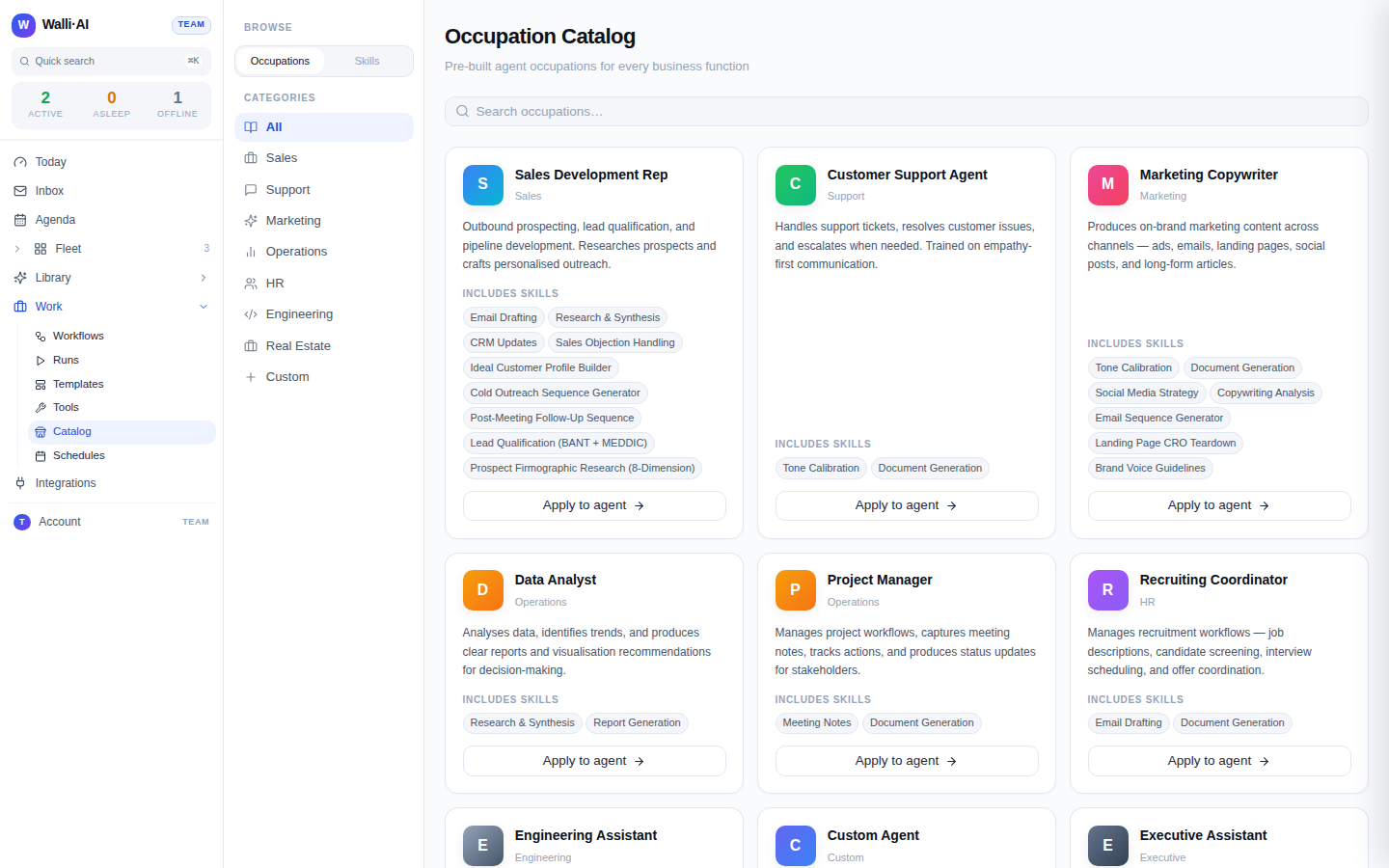
Applying either opens a short confirm flow: you pick the agent, and Walli-AI tells you when the change takes effect. For a managed agent the new capability is picked up on its next message; some agents restart to take it on. When you apply an occupation you can also choose whether to bring its bundled skills along and pick starter workflows to enable at the same time. See Agent skills and Occupations and personas for how these shape an agent day to day.
Where integration connections live
Neither Tools nor Catalog is where you connect an outside service such as Gmail, Slack, or HubSpot. Those connections are made per agent, on the agent's Integrations configure tab, and account-level webhook integrations live in Settings. See Connecting integrations for that flow. The distinction is worth holding onto: the Catalog changes what an agent is, Tools give it custom code to run, and Integrations give it access to your connected accounts.
Choosing the right surface
- Reach for Tools when you need bespoke logic (a calculation, a call to an internal endpoint, a transform) that no built-in capability covers.
- Reach for the Catalog when you want to stand up a new kind of agent quickly or add a well-defined capability, rather than writing anything.
- Reach for Integrations on the agent's configure screens when the agent needs to read or write one of your connected accounts.
Tips
- Start a custom tool disabled or assigned to a single test agent, verify it, then widen its assignment.
- Remember that an egress tool will not run until it is approved, so approve it after you have reviewed what hosts it touches.
- Applying an occupation can bundle skills and starter workflows in one step, which is the fastest way to make a capable agent from a blank one.
- Skills improve with use, so give a newly applied skill some real conversations before judging it.