Triage GitHub issues and open a fix PR for review
An agent that reads new issues, drafts a fix on its own branch, and opens a pull request for you to review. It never merges and never touches your default branch.
You want the backlog of small, well-described issues to stop piling up. Not merged without a human, not closed silently, but triaged: read, understood, and turned into a concrete pull request a reviewer can approve in a minute or send back. This recipe builds an agent that watches your repository's issues, drafts a fix on a fresh branch, and opens a PR for your review. The reviewer stays you. The agent never merges and never commits to your default branch.
Who this is for
Engineering leads and maintainers who triage more issues than they can personally fix, and who want a first-draft PR waiting instead of a cold issue. It suits repositories where a meaningful share of issues are small and clearly scoped: a typo, a missing null check, a doc fix, a config tweak. The agent does the reading and the first pass; you do the judging and the merging.
What you'll set up
One agent connected to your GitHub account, given the job of triaging issues and proposing fixes. It reads open issues, picks the ones it can responsibly attempt, creates a working branch, commits the change to that branch, and opens a pull request describing what it changed and why. You review the PR like any other. Nothing reaches your default branch without you clicking merge.
Build it
- Create an agent for the job, for example one named
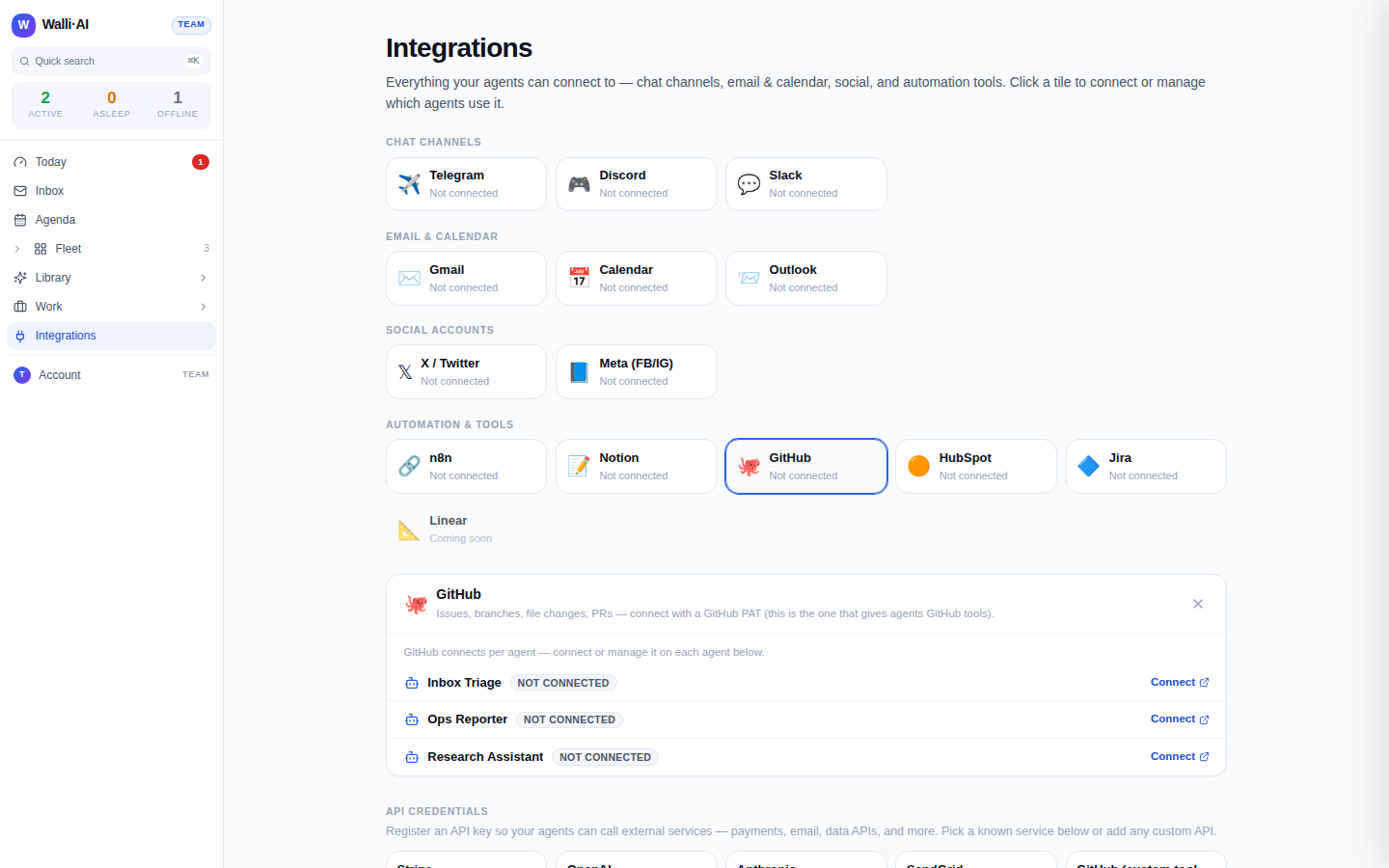
Issue Triage. Give it a clear brief in its instructions: which repository to watch, what kinds of issues it is allowed to attempt (small and well-scoped only), and to always explain its reasoning in the PR description. - Connect GitHub to the agent. GitHub is connected per agent on the integrations hub, and the connection is what unlocks the agent's GitHub tools: reading issues and repository files, and the write path of creating a branch, committing a file, and opening a PR.
- Tell the agent its working rules in plain language. A good brief: "Read open issues labeled
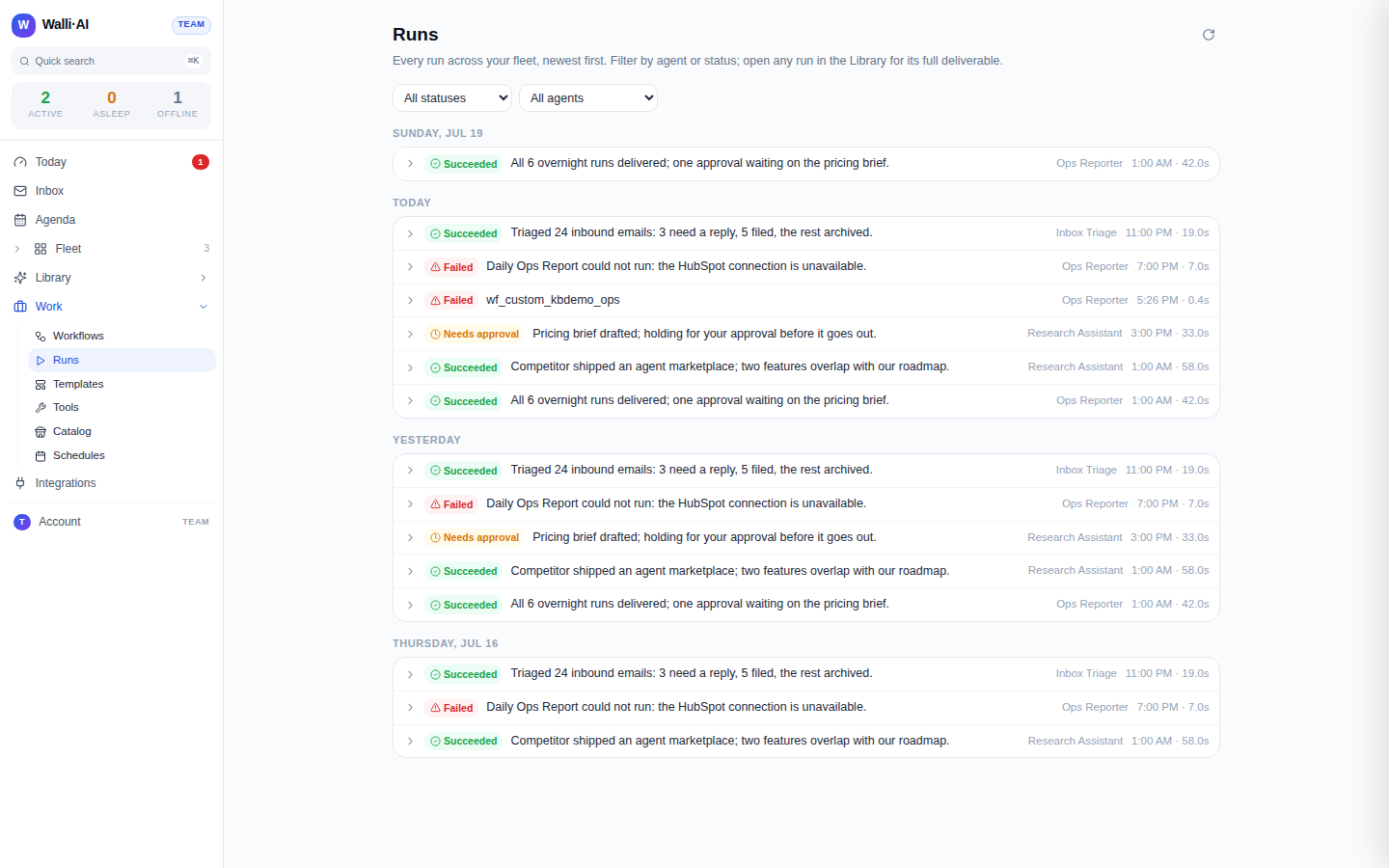
good first issue. For each one you can fix with a small, safe change, create a branch, commit the fix, and open a pull request that references the issue and explains the change. Never work on anything risky or large; leave a comment asking for detail instead." - Decide how it runs. Point a schedule at the agent to sweep issues on a cadence (every morning, say), or trigger it on demand from chat when you want it to look now. Either way each sweep is one run you can inspect afterward.
- Mark the workflow as needing approval if you want a second gate: the PR itself is already a review gate, but approval-required means the run's summary also lands in your review queue before anything is reported as done.
What you get
For each issue the agent decides it can handle, a pull request appears in your repository: a new branch, the changed file or files committed to it, and a description that links the issue and explains the fix. You open it, read the diff, and merge or request changes exactly as you would for a teammate's PR. The issues the agent judged too large or too risky get a comment asking for detail instead of a half-baked change, so nothing is attempted blind.
The hard boundary is worth stating plainly, because it is enforced in the platform and not left to the agent's judgment: the agent can open a pull request, but it cannot merge one, and it cannot commit to your default branch. A direct commit to the default branch is refused outright. Every change the agent makes travels through a branch and a PR, which means a human is always the last step before anything lands on your main line.
Make it yours
- Scope by label. Point the agent only at issues carrying a label you control, like
agent-okorgood first issue, so you decide exactly which issues are eligible before it ever looks. - Draft PRs only. Instruct the agent to open its pull requests as drafts, so they sit clearly marked as work-in-progress until a human promotes them.
- Triage without fixing. Run a lighter version that only reads issues and posts a triage comment (a suggested label, a first diagnosis, a pointer to the likely file) and never opens a PR at all, when you want help sorting the backlog rather than fixing it.
- On-demand from chat. Skip the schedule and let a teammate mention the agent in a connected chat channel to trigger a sweep on request, so it runs when you ask rather than on a clock.
What it costs
This recipe is one agent plus the AI it uses to read and reason about issues. Reading an issue and drafting a small fix is bounded work, and if the agent runs on Walli-AI's managed Spark models that work is metered against your plan's included AI budget, which you can watch fill in real time. Run it on your own provider key instead and its model usage bills to your provider and never touches that budget. A scheduled sweep over a handful of issues each morning is light, predictable work. The plan you need depends only on how many agents and seats you want; the current numbers and how the AI budget works are in what it costs and choosing a plan.