Automation and workflows
The difference between a chatbot and a workforce is that a workforce works when you are not in the room. This is the part of the product that makes that happen, and the part that makes sure what comes back is usable.
Six things can set an agent going.
A schedule you set. Another run finishing, so work chains. A row appearing or changing in one of your tables. A scheduled sweep over rows matching a condition. An inbound event. Or you, right now, by hand.
You never have to write a cron expression. Scheduling is a calendar with sensible presets, in your own timezone, with daylight saving handled for you. The raw expression is there if you want it, and most people never open it.
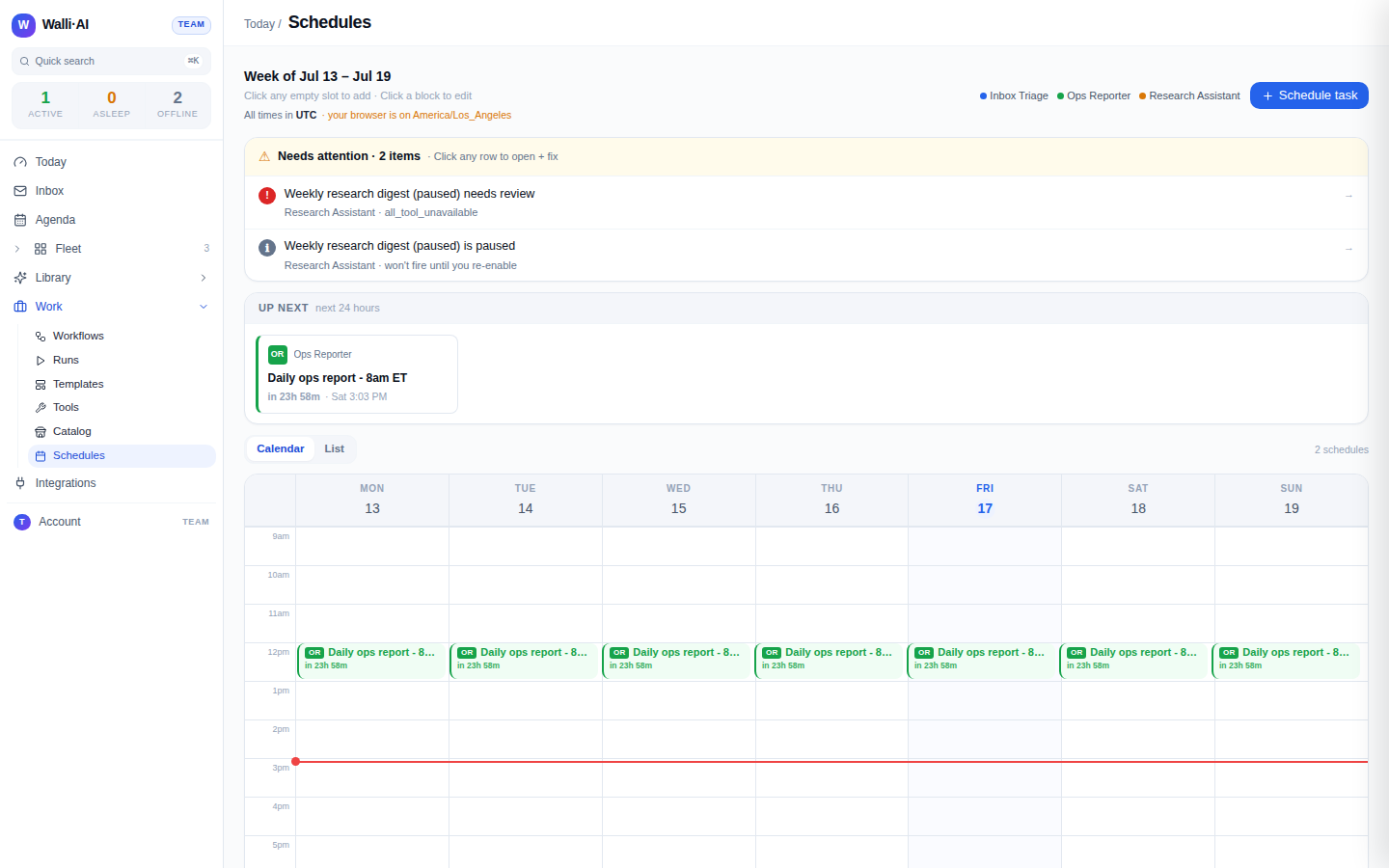
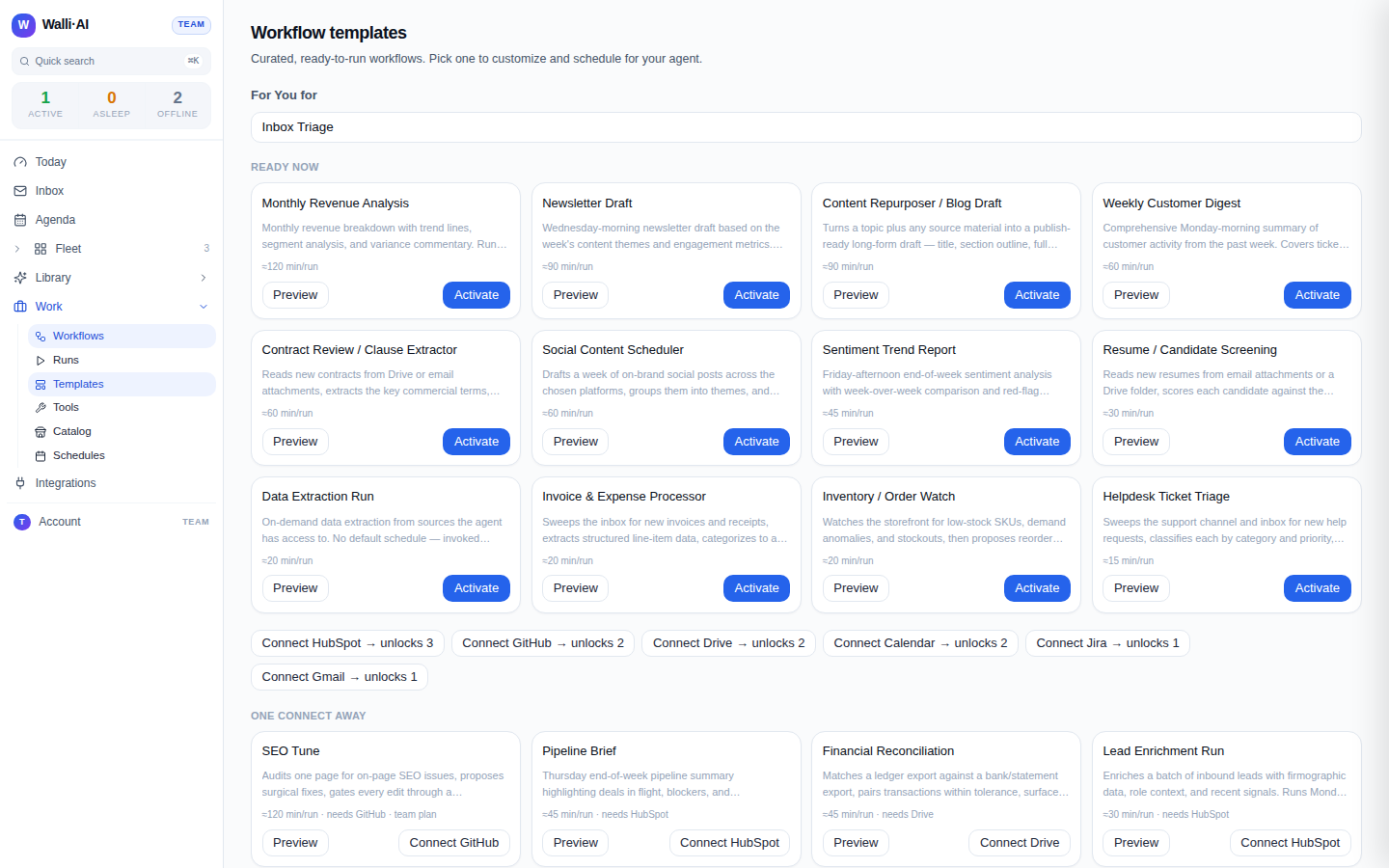
32 jobs are already written.
Email triage, meeting briefs, standup digests, end-of-day summaries, KPI digests, pipeline briefs, lead enrichment, sales qualification, deal routing, churn scans, helpdesk triage, invoice extraction, financial reconciliation, revenue analysis, contract review, resume screening, release notes, content repurposing, newsletter drafts, social scheduling, ad performance briefs, and more.
Each one arrives with its schedule, its output shape, and its approval setting already decided by someone who thought about it. You activate it, point it at an agent, and it runs. When you want to change something, you get your own editable copy, so your edits never fight a platform update.
A deliverable, not a wall of chat.
Every run returns three things: a headline stating what happened, a suggested next action, and the work itself. That structure is what lets the platform summarise your morning in one sentence, offer to close the loop on what it just did, and file the output somewhere you can find it later.
It is also a quality gate. A run that produced only reasoning and no actual deliverable is treated as an incomplete run rather than a successful one.
When one request is really several.
Pipelines
Ask for something large and the agent breaks it into ordered steps you can see, run, edit, skip or resume from. You watch it work rather than waiting for a wall of text.
Chaining
A workflow can start when another one finishes, and can branch on whether that one succeeded, failed, or needed approval. Monday morning reporting can be one chain rather than four alarms in your calendar.
Approve from the email, in one click.
Any run can be set to need your sign-off before it counts as done. The request arrives in a digest, and the approve and reject links work straight from the email: signed, single use, and expiring, so you can clear a decision from your phone in a queue without logging in to anything.
Automation that notices it is broken.
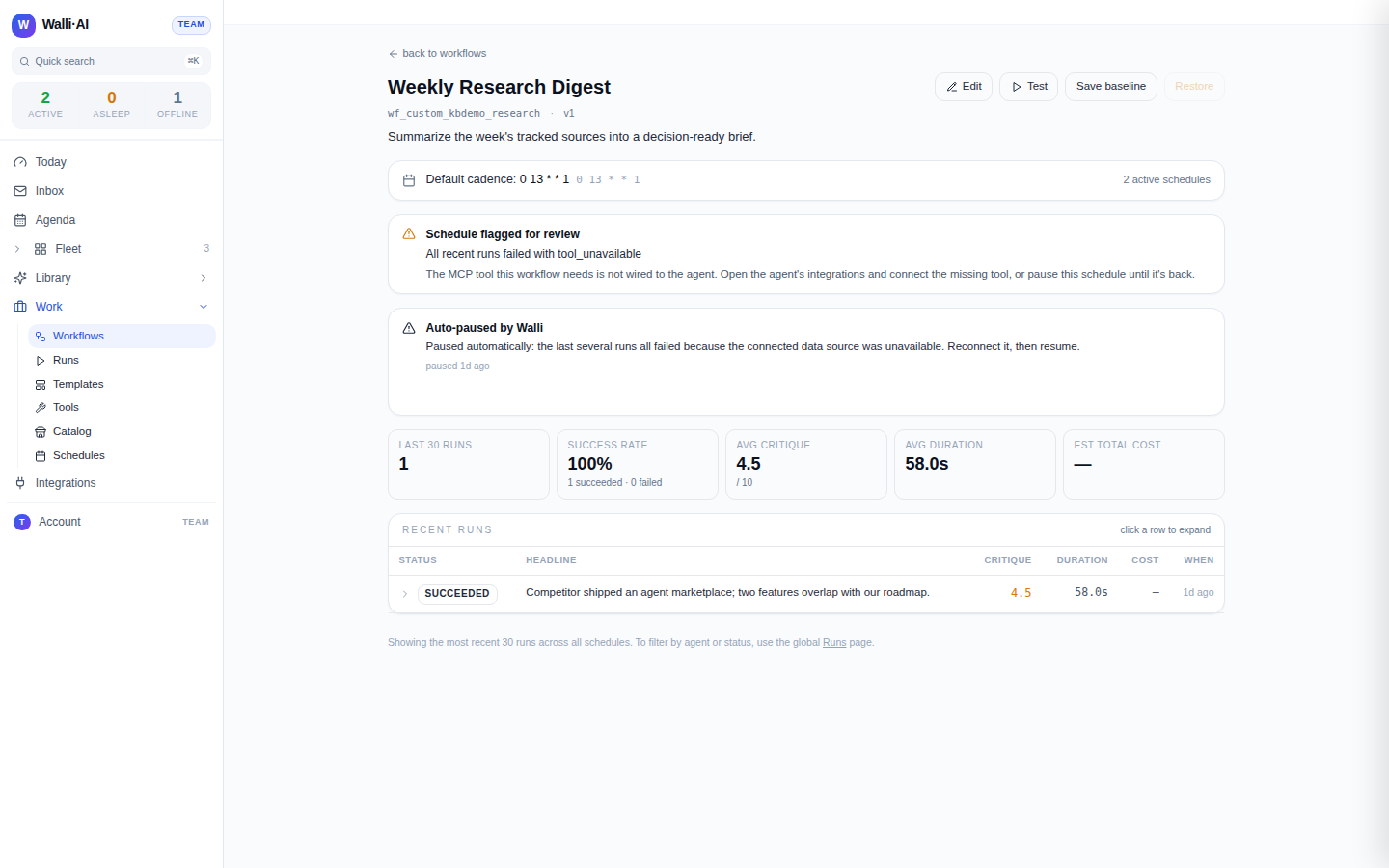
A failed run gets diagnosed automatically, and you get told what went wrong in terms you can act on rather than a stack trace. A schedule that keeps failing the same way pauses itself instead of burning your budget every hour, and the platform proposes a specific fix, checks that fix, and applies it only once it has been verified.
And find out what happened.
Work now runs on its own. The next question is how you find out what happened without reading all of it.
What lands on your screenAll areas